
ZX1000JB (US and CA Models) Left Side View
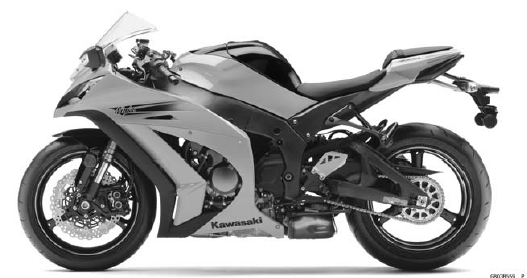
ZX1000JB (US and CA Models) Right Side View

ZX1000JB (EUR Models) Left Side View
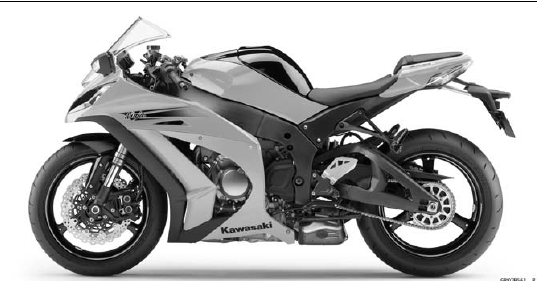
ZX1000JB (EUR Models) Right Side View

ZX1000KB (US and CA Models) Left Side View
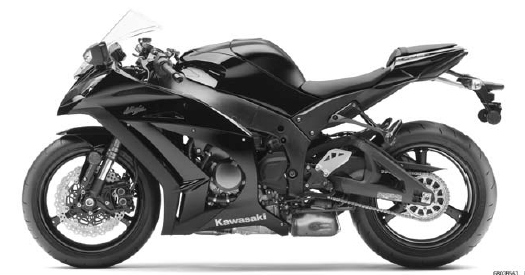
ZX1000KB (US and CA Models) Right Side View

ZX1000KB (EUR Models) Left Side View
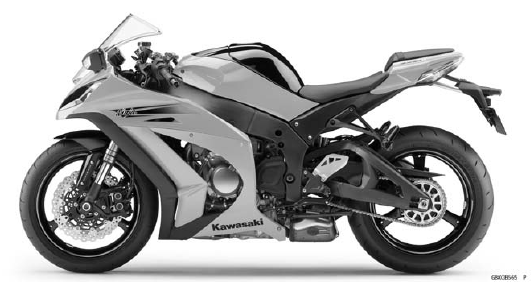
ZX1000KB (EUR Models) Right Side View

Frame Number
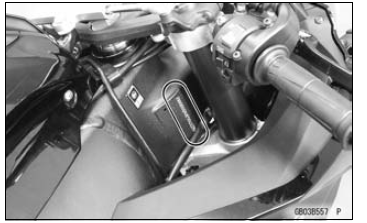
Engine Number
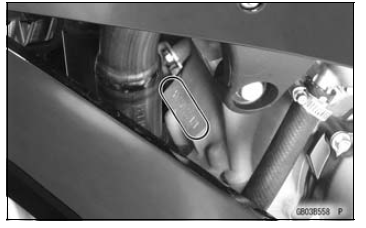
 Electrical Leads
 General Specifications
Parts Location
NOTE
The front and rear wheel rotation sensors and rotors are
standard parts of this motorcycle.
Front Wheel Rotation Sensor [A]
Front Wheel Rotation Sensor Rotor [B]
Rear Wheel Rotation Sensor [C]
Rear Wheel Rotation Sensor Rotor [D]
ABS Indicator Light (LED) [E]
KIBS Indicator Ligh ...
Shift Pedal Installation
Install the rubber damper to the shift pedal.
Turn the chamfered side to inside.
Assemble:
Shift Lever [A] and Locknut [B] (Left-hand Thread)
Shift Pedal [C] and Locknut [D]
Tie-Rod [E]
Turn the grooved end [F] of the tie-rod to the shift lever.
Apply grease to the sliding ...
Fuel Type
Use clean, fresh unleaded gasoline
with a minimum Antiknock Index of 90.
The Antiknock Index is posted on service
station pumps. The octane rating
of a gasoline is a measure of its resistance
to detonation or “knocking.� The
Antiknock Index is an average of the
Research Octane Number (R ...