
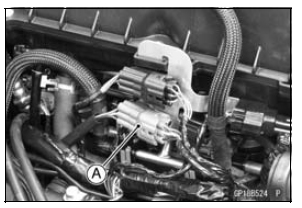
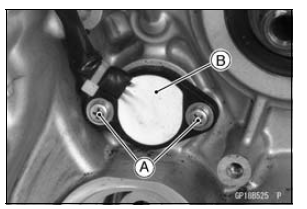
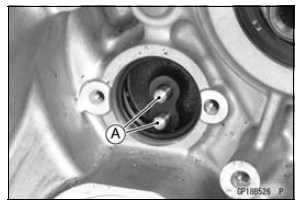
 Oxygen Sensor Installation (Equipped Models)
 Gear Position Switch Installation
Swingarm Bearing Removal
Remove:
Swingarm (see Swingarm Removal)
Collar [A]
Oil Seals [B]
Sleeve [C]
Circlip [D] (Right Side)
Special Tool - Inside Circlip Pliers: 57001-143
Remove the ball bearing and needle bearings.
Special Tool - Oil Seal & Bearing Remover [A]: 57001-1058
...
Exhaust Device
This motorcycle is equipped with a
exhaust device system. This system
controls the valve in the exhaust pipe
and produces stable engine power at
low and middle engine speed. This exhaust
device is controlled by the ECU,
and adjustment or maintenance should
be done only by a competent mechanic ...
Rider’s Seat Removal
Remove the bolts and seat cover.
A. Bolts
B. Seat Cover
Remove the mounting bolts and pull
off the seat upward.
A. Mounting Bolts
B. Rider’s Seat ...