
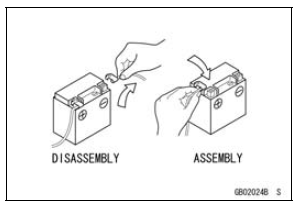
Before completing any service on the motorcycle, disconnect the battery cables from the battery to prevent the engine from accidentally turning over. Disconnect the ground cable (–) first and then the positive (+). When completed with the service, first connect the positive (+) cable to the positive (+) terminal of the battery then the negative (–) cable to the negative terminal.
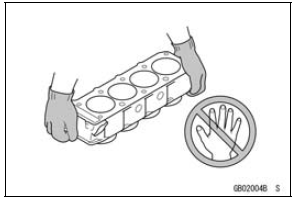
Edges of Parts
Lift large or heavy parts wearing gloves to prevent injury from possible sharp edges on the parts.
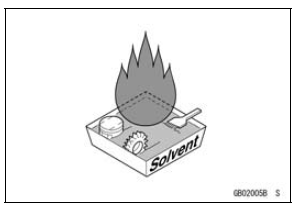
Solvent
Use a high flash-point solvent when cleaning parts. High flash-point solvent should be used according to directions of the solvent manufacturer.
 Before Servicing
 Cleaning Vehicle before Disassembly
Intake Air Pressure Sensor #2 Input Voltage Inspection
NOTE
Be sure the battery is fully charged.
Turn the ignition switch to OFF.
Remove the air cleaner housing (see Air Cleaner Housing
Removal in the Fuel System (DFI) chapter).
Disconnect the intake air pressure sensor #2 connector
and connect the measuring adapter [A] between these
con ...
Drive Chain
The drive chain slack and lubrication
must be checked each day before riding
the motorcycle and must be maintained
in accordance with the Periodic
Maintenance Chart for safety and to
prevent excessive wear. If the chain
becomes badly worn or maladjusted -
either too loose or too tight - the c ...
Clutch Cover Assembly
Replace the needle bearings and oil seal with new ones.
NOTE
Install the needle bearings so that the manufacture’s
mark face out.
Install the needle bearings [A] and oil seal [B] position as
shown in the figure.
Press the upper and lower bearings so that the bearing
surface [ ...