
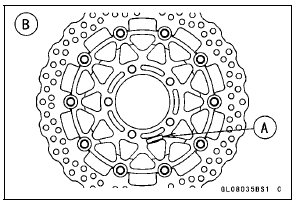
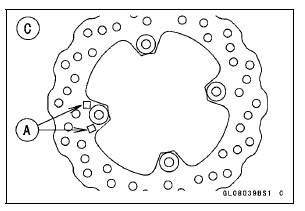
Front Brake Discs [B] Rear Brake Disc [C]
 Brake Disc Removal
 Brake Disc Wear Inspection
Seat Cover Installation
Installation is the reverse of removal. Note the following.
When installing the pad [A], install it along the corner [B]
as shown in the figure.
When installing the pad [C], align the ends [D], along the
corner [E], and wrap [F] the upper edge of the seat cover.
Install the damper [A] ...
Premuffler Chamber Removal
Remove:
Muffler Body (see Muffler Body Removal)
Right Lower Fairing (see Lower Fairing Removal in the
Frame chapter)
Front Seat (see Front Seat Removal in the Frame chapter)
Oxygen Sensor (Equipped Models) (see Oxygen Sensor
Removal (Equipped Models) in the Electrical System
chapter ...
CAL and SEA-B1 Models
1. Green Hose (Purge)
2. Clamp (hold the white hose.)
3. Canister
4. White Hose (Vacuum)
5. Blue Hose (Breather)
6. Red Hose (Return)
7. Separator
8. Quick Rivet
9. Face the hook portion of the bracket to inside of the vehicle.
10. Clamp (Bend down the clamp, and hold the blue hose, the ...